Day 2
So today I started working on the first project, which was always going to be a blog to track my progress. I started in Claude, and asked it to help me build a website to host the blog. It asked me a couple of quick questions and then set to work. It chose a theme called Astro for a simplistic, clean look. I was fine with this. It then set to work and the basics of the site were constructed within minutes.
Because I already own the domain artificialamateur.com, it then walked me through how to change all the DNS settings to point the domain name at the new website. This was simple enough. There is a delay in this all being updated, and I noticed an error in the Github logs, and queried Claude, which helped me to fix that up. Was all pretty straight forward, and Claude was able to answer any questions I had.
While waiting for the DNS changes to resolve, I flicked over to Chat GPT. I had heard ChatGPT Image 2 ( the current version ) is the best for image generation. I asked it to create a simple text-based logo for Artificial Amateur, a blog about experimenting with and using AI. This is what it returned :
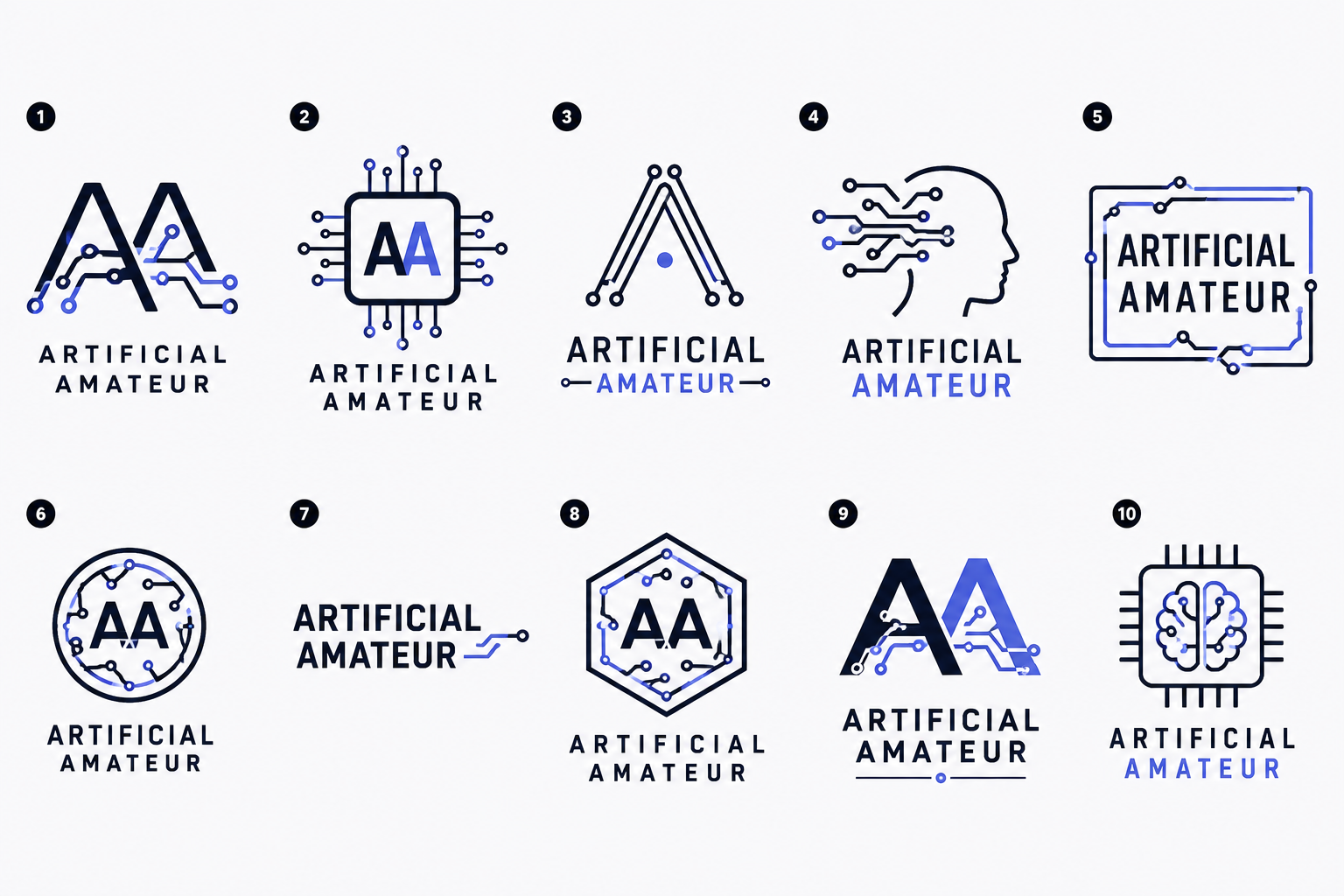
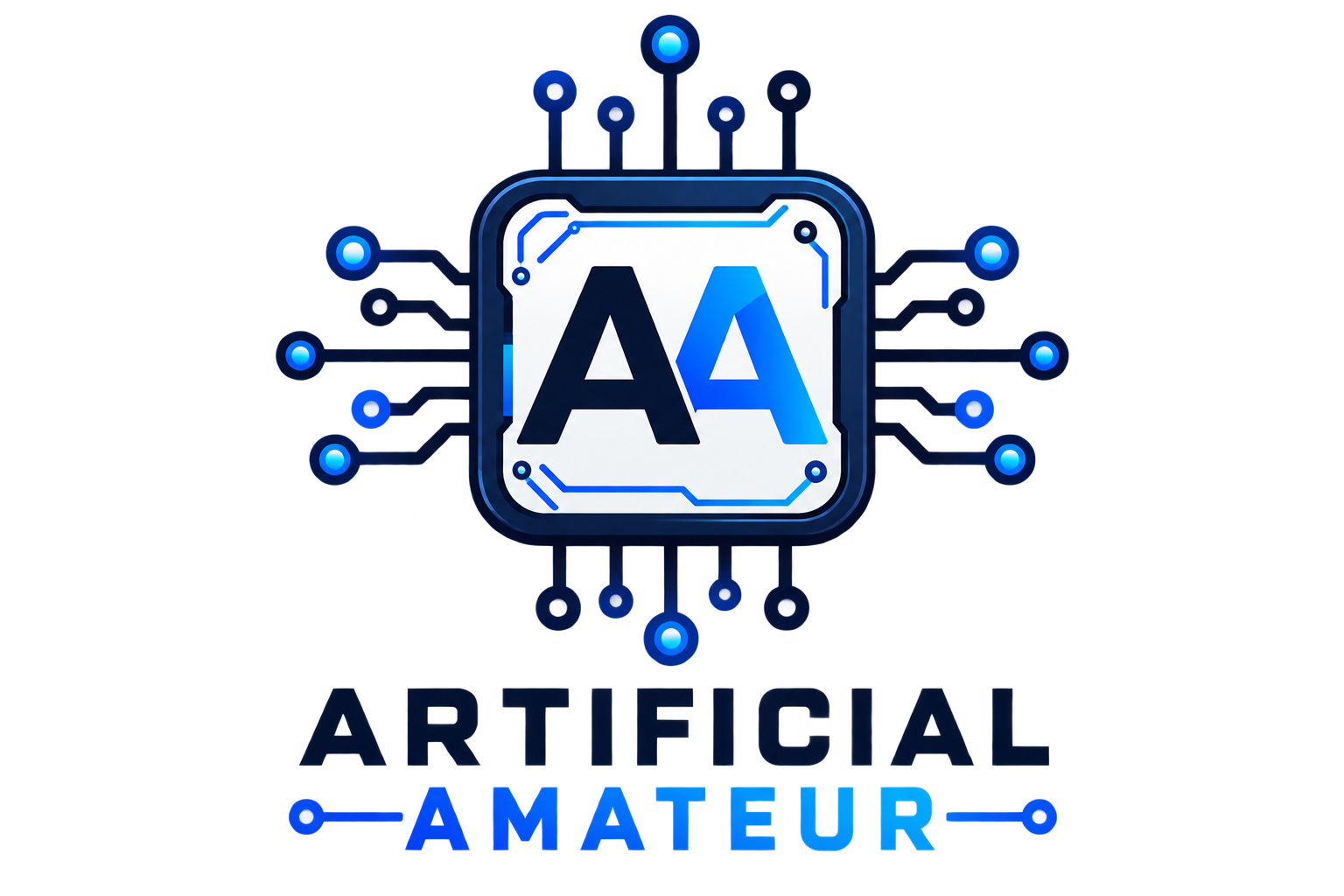
I decided to go with design 2, and after asking to get the logo as a vectored image, on a clear background, the final product is below :
For giggles I then asked it to create a robot mascot for the site, to see what it would come up with. In my head I was thinking of a simple line art robot, but it instead returned these :
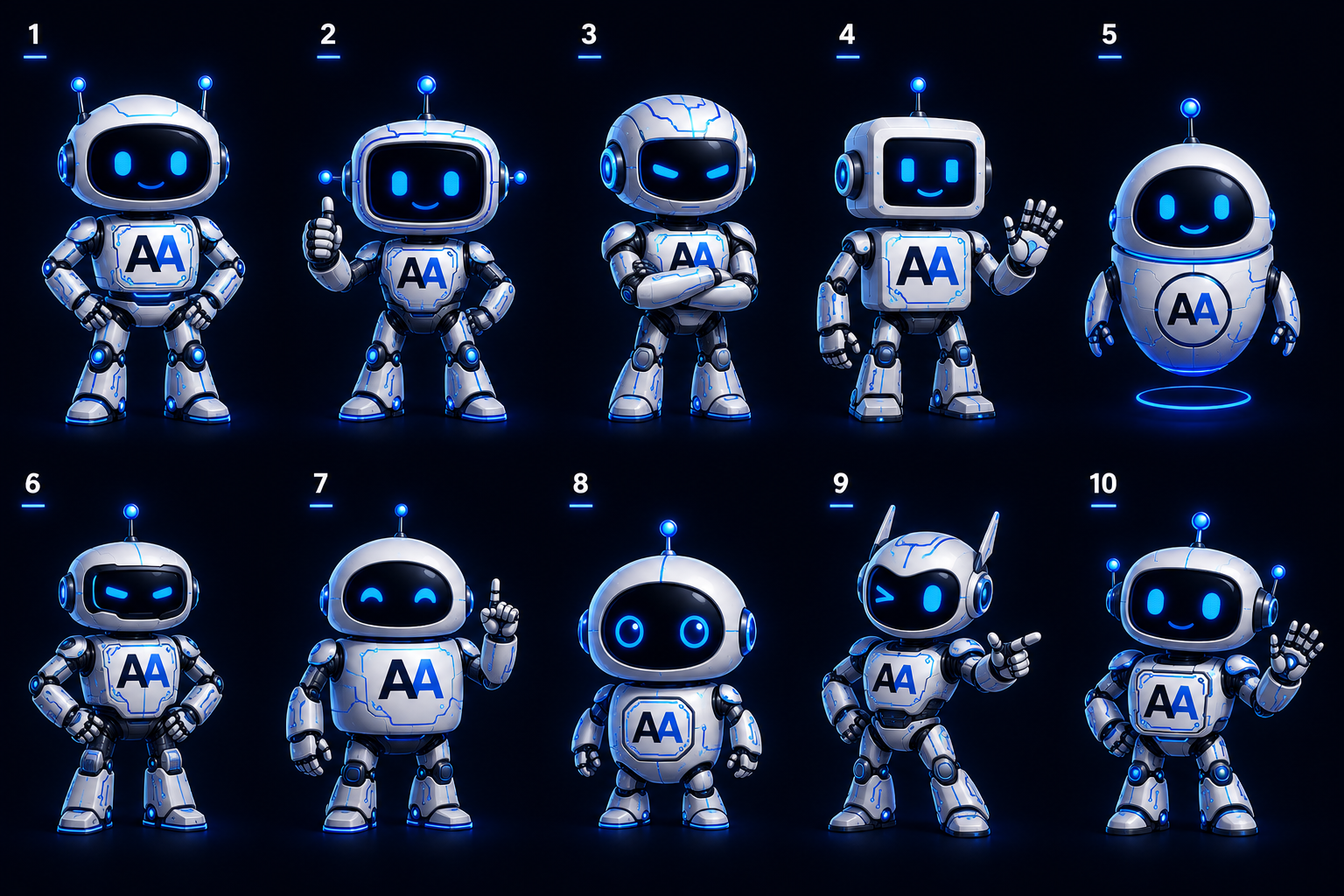
This was far higher detail than I was expecting, and they were completed in less than a minute. I decided to use option 10, and asked if it could animate the robot to be waving in a loop, but it can’t directly do animation, I would have to use a 3rd party tool to animate from that image. Good to know.
The logo and robot were then updated to the site. I added a resource tab to the existing ones, and added headers inside it for the different categories of resource. All of these tabs can be adjusted later. I added a contact email to the footer of the site.
The last thing I wanted to try was adding a scrolling ticker box, showing some project milestones. I asked for some of the numbers to be red/green where appropriate, and this was completed very quickly, and I was able to watch it update the elements live which was nice. With one command prompt it produced exactly what I wanted, bar changing the background colour of it slightly.
Overall, in a couple of hours I was able to complete the base of exactly what I was looking for to a standard that I am happy with. That is significantly less time than I would have been able to achieve on my own, even if I used templates/tutorials/guides etc I’m really happy with the progress.
Lastly, I did screen record the whole thing, but to my horror when I uploaded the video to YouTube, I realised that my mic was disabled. I R dumb.
So here’s a link to a two hour video of my screen recorded, but with no sound. I’m shattered about it as I talked about a lot of stuff as I was going through, and some of the things I was thinking going forward. I find talking to myself unnatural enough, without it all being for nothing in the end.
Oh well, lessons learned. Tomorrow I’m going to start on an actual small revenue idea, so I’d better make sure everything is set up properly.
Cya
PS I set up a ‘Deep Research’ task in Claude to run overnight. I need to get some experience with this and try to develop a best practice to get the most out of the function. I have asked it to do a deep dive on a pretty detailed explanation of something I want to work on in the future, not the idea for tomorrow. I’ll be interested to see what it comes back with.